
I recently discovered a feature on iOS that might not be well known. I don’t even know when this feature was introduced. Most apps that store personal data, like a banking app, an insurance app, or a health app, require an access code or the option to use touchID or faceID to log in. But not all apps have that feature built-in, like Apple’s health app, or Cisco DUO security app, which means that if you leave your phone unlocked, anyone can see your MFA codes and use them.
But fear not, Apple has created a very easy method of protecting those apps too, right from the springboard. It is very simple:
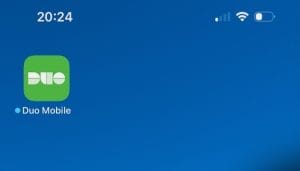
1. Go to the app you want to protect, like the Duo Mobile shown here on the left.
2. Long-press the app and a menu will appear
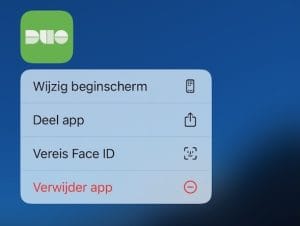
3. Select “require face ID”, it is called “Vereis Face ID” in Dutch.
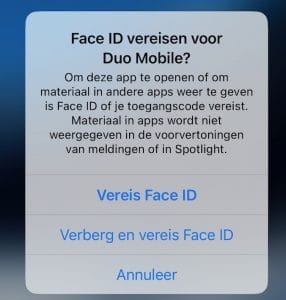
5. Select the option to require Face ID to enable access protection.
6. Allow the phone to scan your face (or use touch ID) to activate the setting
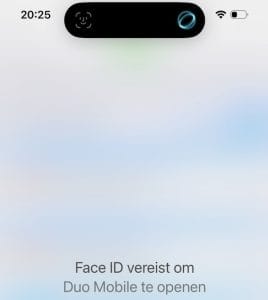
And now every time you start an app or switch to it, the view is blurred until you’ve “authenticated” yourself.
Personally, I find this feature quite handy to give certain apps an extra layer of protection. There are two caveats though; the content of the app is not shown in Spotlight, and the content of push notifications is hidden unless authenticated.